The tiny daemon that watches while your Mac sleeps
Kitaso polls servers live over SSH, but laptops sleep. So the one thing Kitaso can install on a server is a collector made of a small shell script, a scheduled job and SQLite. Here is exactly what it does.
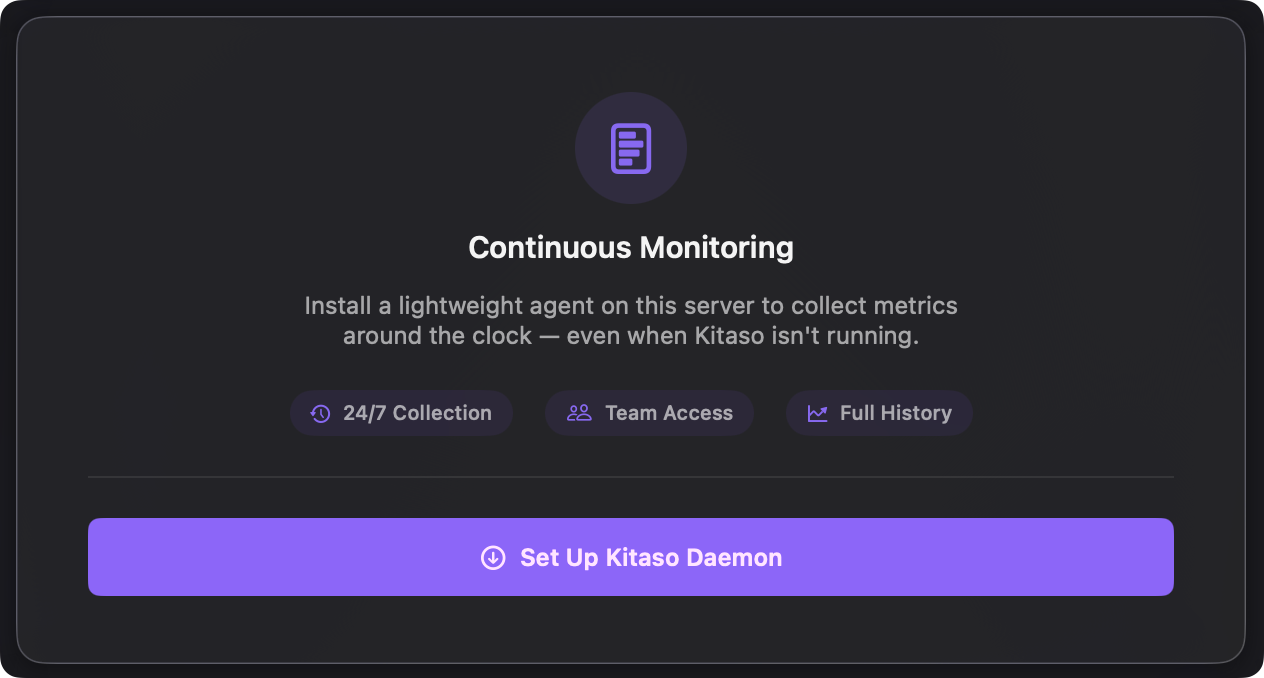
A Mac app that polls servers over SSH has one obvious hole: laptops sleep. Close the lid and nothing is collecting. Kitaso is honest about it and draws a gap in the chart instead of a made-up line, but a gap is still a gap.
I wanted the history to keep rolling while my Mac is off, without turning the whole thing into an agent platform. So I wrote the smallest collector I could get away with: a shell script, a scheduled job, and a SQLite file. It is the only thing Kitaso ever installs on a server, and it is optional.
What actually gets on the box
Three things, and you can read all of them:
collect.sh, a plain POSIX shell script that does the same/proc+df+docker statsreads the live poller does, and writes them to a local SQLite database instead of shipping them over the wire.- A scheduled job that runs it every minute. On a systemd host that is a small timer unit; on boxes without systemd it is one cron line:
* * * * * /opt/kitaso/collect.sh >> /opt/kitaso/collect.log 2>&1
- A SQLite database that grows by one small row per minute, with retention pruning to keep it bounded.
No resident process, no listener, no open port. The scheduler wakes the script, the script writes a row, the script exits. The scripts together are about 35 KB of plain shell you can open in a text editor, and the whole install directory is about 50 KB before the database starts filling.
The schema is nothing special
A trimmed version of the table it writes:
CREATE TABLE snapshots (
  ts         INTEGER NOT NULL,   -- unix seconds
  cpu        REAL,
  mem_used   INTEGER,
  mem_total  INTEGER,
  load1      REAL,
  containers TEXT,               -- JSON
  PRIMARY KEY (ts)
) WITHOUT ROWID;
SQLite handles a once-a-minute writer without breaking a sweat. That's it. No time-series database, no query language.
Installing is one click, so is removing
There is no provisioning step. Kitaso pushes the script over the SSH connection it already has, sets up the timer or cron line, and runs the first collection. One click in the app.
From then on, Kitaso pulls the collected rows whenever it connects and merges them with its own live polling. When both sources have a reading for the same moment, the live one wins, so the charts never double up.
One thing the collector does not do is page you. It keeps the history; alerts still fire from your Mac, while it is awake. The 3am incident is on the chart in the morning, not on your phone at 3am.
Removing it is the same click in reverse. Or do it by hand: it is one directory and one scheduled job.
That removability is the point. A monitoring tool you can fully delete with rm and one scheduler entry is a monitoring tool you can trust to be small. The collector only ever reads what the kernel already knows, and your data never leaves the server until your own Mac pulls it back.
The live side of this, reading a whole server in a single connection, is in A server's vitals in one SSH round-trip.
Builds Kitaso — a native Mac app for monitoring Linux servers over SSH. More posts →